EasyLog Cloud Support
Find everything you need to use EasyLog Cloud with confidence. From getting started and device setup to account management and troubleshooting, our knowledge base provides practical guidance and answers to common questions.
Creating an EasyLog Cloud Account
Follow this step by step guide to create and EasyLog Cloud account.
Account & Team Settings
Explore Account Settings and Team Settings, showing you how to manage preferences, permissions and more.
Adding a Device to Your Account
Learn how to add a device to your EasyLog Cloud account.
Navigating the Dashboard
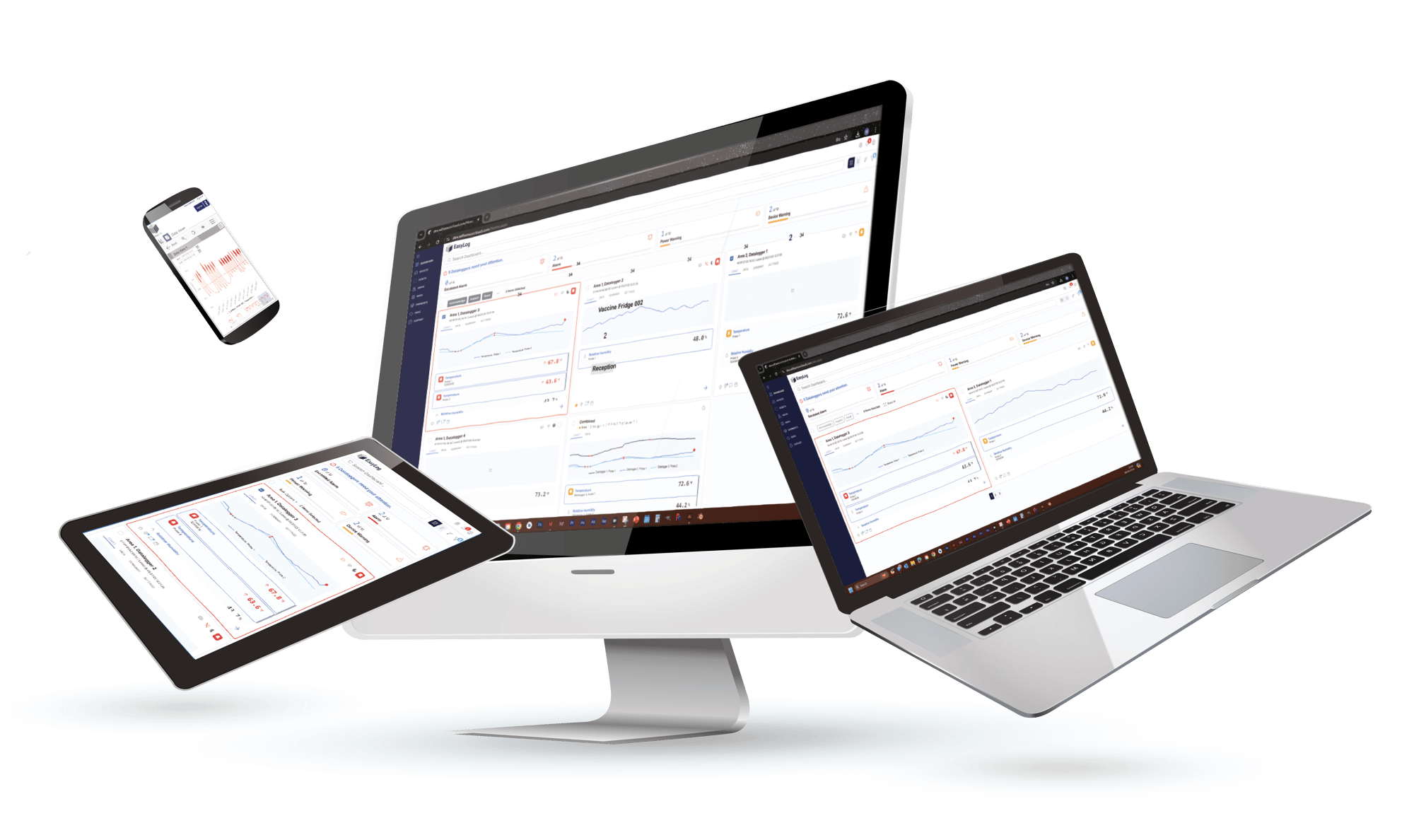
Take a guided tour of the updated EasyLog Cloud dashboard and show you how to navigate the latest interface with confidence.
Managing Your Devices
Explore the Devices page; discover how to manage and monitor your entire device fleet from a single location.
Device Detail
Explore the Device Detail page; discover how to analyse device data, review events, and manage device settings.
Configuring Alarm Escalation
Discover how to set up alarm escalation; ensure that the right members of your team are informed when something critical happens.
Configuring Device Notifications
Learn how to set up notfication profiles for individual devices.
Reports & Exporting Data
Discover how to set up reports and export device data.
Frequently Asked Questions
Have Question? We are here to help
Can I control user permissions?
Yes. Administrators can create user roles and assign different access permissions.
Is my data secure?
Yes. Data is securely stored within the Cloud platform with controlled access permissions.
Is a 21 CFR Part 11 compatible platform available?
Yes. 21 CFR Part 11 functionality is integrated into the EasyLog Cloud platform, allowing users to access enhanced compliance features within the same unified system rather than using a separate platform.
Can I manage multiple sites from one account?
Yes. The platform is designed to support monitoring across multiple devices, locations and facilities.
Can I update alarm settings remotely?
Yes. Device settings, alarm limits and notification configurations can be managed through the platform.
What happens if a device loses internet connection?
Devices store data locally and automatically upload it once connectivity is restored.
What is the dashboard designed for?
The dashboard provides a clearer overview of device status, warnings, alarms and recent system activity. A guide to the dashboard can be found in the video section above.
What is the Compare and Consult feature?
Compare and Consult allows multiple probe readings to be displayed on a single graph, making it easier to compare temperatures and analyse trends.
Can I export reports and data?
Yes. Data and reports can be exported for audits, compliance records and internal analysis. A tutorial for this can be found in the video guide section above.
Can I customise reports?
Yes. The platform includes expanded report creation and template options.
What notification methods are available?
The EasyLog Cloud supports email, SMS, push notifications, WhatsApp alerts and voice call notifications.
Can alerts be escalated to other users?
Yes. Escalation settings allow alarms to be forwarded to additional users if they are not acknowledged. The tutorial on how to do so can be found in the video guide section above.
Can different users receive different alerts?
Yes. Notifications can be configured based on device, alarm type or user role. The tutorial for this can be found in the video guide section above.